How to Fish Post-Game Route: Safe Achievement Cleanup
Updated 2026-08-25
Organize post-game travel, collection gaps, combat achievements and challenge saves without risking your main progression file.
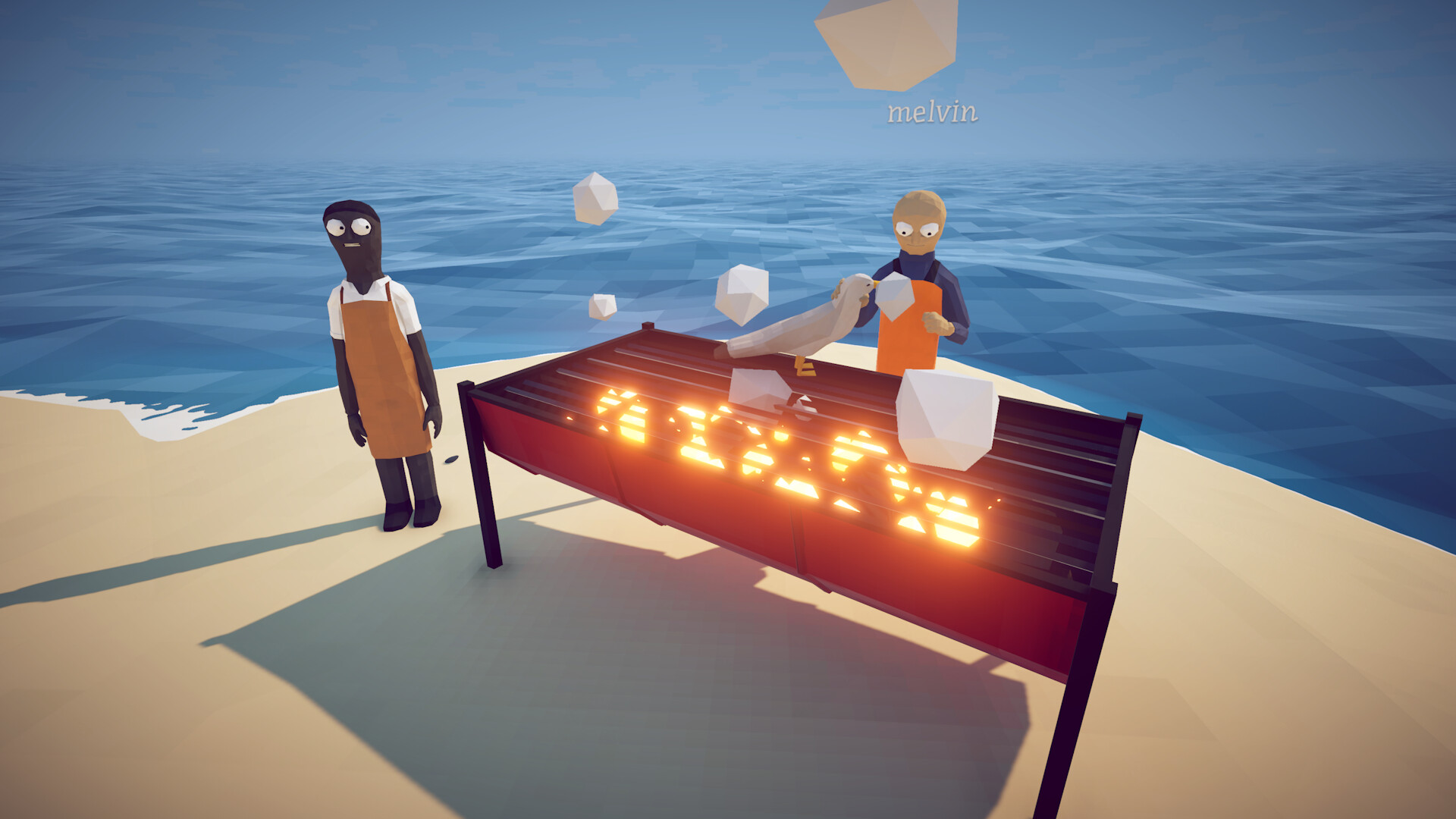
Separate story completion from cleanup
Steam lists 28 achievements spanning progression, combat, collection and challenge tasks. Do not force every objective into the first campaign route. Finish the confirmed story steps with a stable inventory, then review the achievement list and tracker. Group remaining tasks by island, required gear and risk. This prevents repeated travel and keeps experimental challenge attempts from consuming the resources or save state you need for ordinary collection work.
Make a baseline record
Before cleanup, save deliberately and record your current build, unlocked islands, important weapons, money, boat upgrades and missing encyclopedia entries. Use the local tracker as a planning aid, but remember that browser storage is not the game save. If the game permits separate save slots, keep a stable completion slot and a challenge slot. Never overwrite the only known-good state to test a speedrun shortcut or community exploit.
Sweep by location, not achievement order
Choose one island and complete every safe task available there: missing ordinary creatures, rare variants, environmental interactions and combat actions that do not require a fresh run. Check the tracker before leaving, then move to the next location. This reduces travel time and makes missing data easier to diagnose. A location sweep is also more resilient to achievement percentages changing because it is based on your visible gaps rather than a global rarity ranking.
Reserve challenge achievements
Speedrun, constrained-equipment and fast-boss tasks deserve dedicated attempts. Read the current patch notes before following any route that depends on sequence breaks, since official updates have already changed travel and lobby behavior. Start from a clean challenge save, define the exact finish condition and keep notes after each failed run. Do not merge an unstable shortcut experiment into the main file merely because it once worked in an older video.
Use late gear responsibly
Late-game weapons can simplify early boss or trick-shot cleanup, but do not treat one community loadout as mandatory. Test the achievement condition on a low-risk target, confirm the unlock notification and only then repeat a more expensive setup. Keep explosive attempts away from quest trophies and stored items. If an unlock fails, verify its exact Steam wording and current build before concluding that the achievement is broken.
Finish with an evidence check
Compare the in-game encyclopedia, Steam achievement list and local tracker. Anything still missing should become a specific question: which category, island, trigger and build? Search current official announcements before older forum advice. When you confirm a route, save the date and build in your notes. This site avoids publishing a guaranteed complete post-game order where the retail evidence is still changing; the goal is a safe, auditable cleanup process.
How to apply this guide safely
Begin with “Separate story completion from cleanup” and compare it with the objective, inventory, and controls shown by your installed build. Do not change several variables at once. If the guide concerns progression, complete one dialogue or hand-in and confirm the objective changed before sailing away. If it concerns combat, test the control or equipment choice on an ordinary encounter before spending a boss trigger. If it concerns troubleshooting, preserve the save and start with reversible checks such as restarting the session and verifying files.
Keep a short run record with the game version, solo or co-op state, host identity, starting objective, relevant equipment, steps taken, and outcome. Physics, network state, and retail patches can make two attempts look different even when both players describe them honestly. A controlled record lets you identify which condition changed. It also gives the developer a useful reproduction if the result points to a defect rather than a missed quest step.
Evidence and version check
This article uses Steam Global Achievements — How to Fish, Steam Community Hub — patch announcements. Official store text and developer announcements establish supported features and broad progression. Steam achievement wording establishes that a named action exists, but it does not prove an exact coordinate, probability, price, damage value, or hidden timer. Community discussions can reveal a repeated problem and possible workaround, but one reply is not treated as a universal mechanic. Where evidence stops, the guide uses cautious testing steps instead of inventing a precise answer.
Before relying on an older route, check the Steam news and discussion dates against the updated date at the top of this page. Prefer the current in-game objective when it conflicts with a video or forum post. Avoid unknown executables, replacement saves, cheats, or destructive file edits offered as shortcuts. A legitimate workaround should be explainable, reversible, and testable without surrendering account credentials or deleting the only known-good save.
Completion check
Finish with “Finish with an evidence check,” then verify the result in the system that matters: quest log for progression, inventory for items, Steam for achievements, or a repeatable symptom check for a technical fix. Do not treat a visual animation alone as proof that the save registered the event. Wait for a normal transition and inspect the state before selling items, changing hosts, or starting another objective. If the result differs from this page, send the URL, build number, exact steps, and observed result through the contact page; that evidence is how we correct guides without turning uncertain reports into false facts.
Sources & Evidence
Claims are backed by the following sources. Unknowns are marked explicitly.
- Steam Global Achievements — How to FishCommunity / Tier 2-3Checked 2026-08-25
- Steam Community Hub — patch announcementsOfficial / Tier 1Checked 2026-08-25