How to Fish 360 No Scope — Achievement Steps & Fixes
Updated 2026-09-14
Get the 360 no scope achievement in How to Fish: prepare a one-shot target, complete a full turn, hip-fire the killing shot, and check the common failure points.
Quick answer
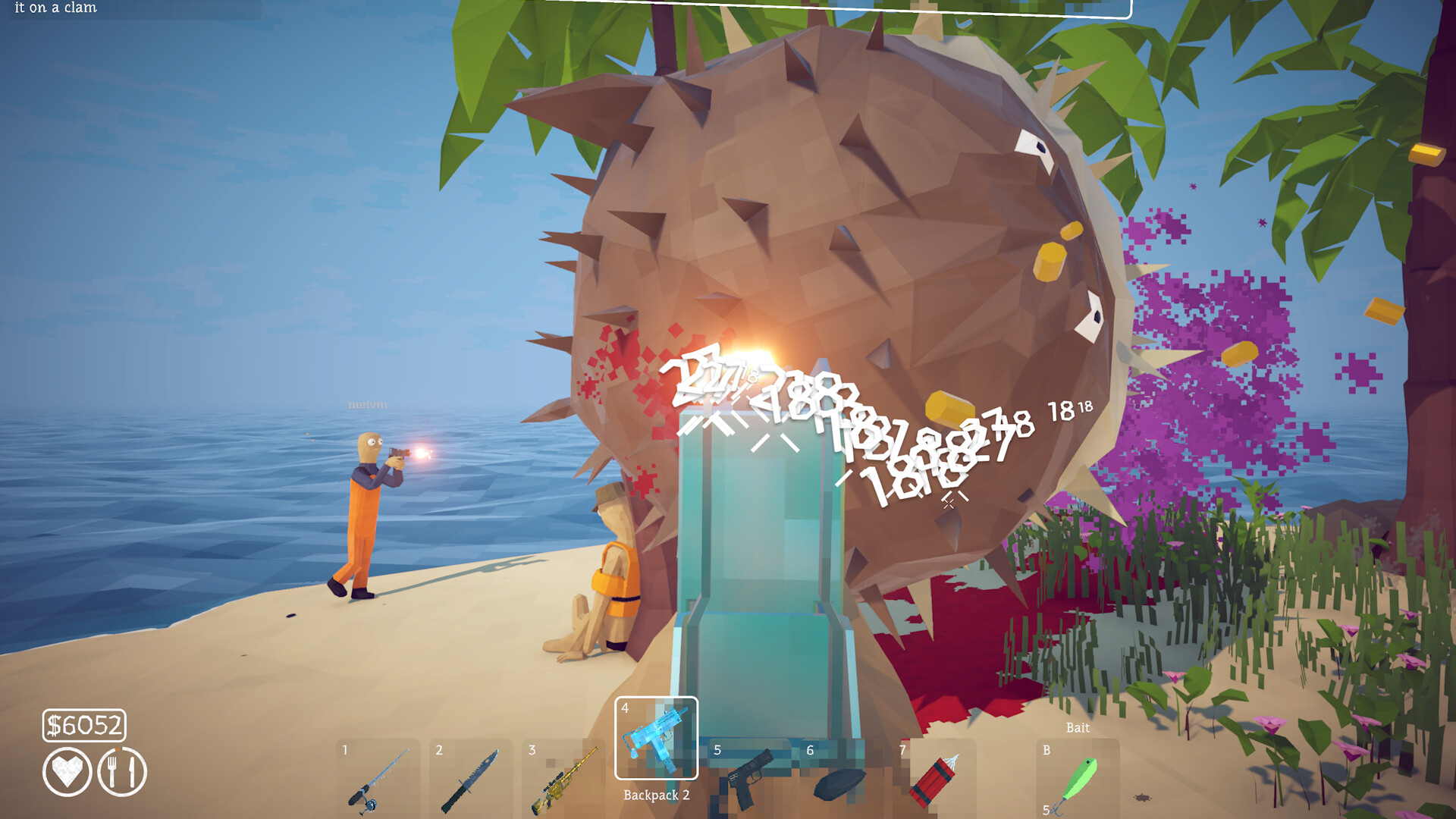
Use a gun and an ordinary low-health creature. Damage the target until one more shot should kill it, move to open ground, center it, complete a full 360-degree turn, and fire the killing shot from the hip. Do not aim down sights before the final shot. Steam's wording requires the kill, the full turn and the no-scope finish; it does not name a specific weapon, island or creature.
Set up a clean attempt
Choose a normal creature rather than a boss so a failed attempt costs nothing. Isolate it from co-op players and environmental damage, then lower its health before you start the turn. A current Steam community achievement guide reports success with a sniper and says a shotgun should also work; the useful principle is a predictable one-shot finish, not a supposedly mandatory gun. Leave enough room to rotate without hitting terrain.
Perform the 360 no scope
1. Stop shooting when the creature is ready for the final hit. 2. Put the target near the center of the screen and release aim-down-sights. 3. Turn one complete circle until the target comes back into view. 4. Hip-fire immediately after completing the rotation. 5. Confirm that this shot, rather than another player or delayed hazard, killed the creature. 6. Check the Steam overlay or achievement list for the unlock.
If the achievement does not unlock
If the creature survived, weaken the next target further. If you used the scope at any point near the finish, repeat the attempt using hip fire only. If the turn may have stopped short, use a slower continuous rotation or two deliberate mouse swipes that clearly total a full circle. In co-op, ask other players to stop attacking so the final blow is attributable to your shot. Restarting the session is reasonable; deleting a save, editing files or installing a tool is not.
What the evidence does and does not establish
Steam officially confirms only the achievement text. A well-used retail Steam guide supplies the full-turn, hip-fire and low-level-target procedure, but it was written around Patch 1.0.4. The official notes through Patch 1.0.12 do not announce a changed 360 requirement. That supports this conservative gun route, not claims about an exact angle tolerance, timing window, bonus multiplier or every possible projectile. Earlier wording on this page that recommended a fishing rod, throwable weapon or dynamite was not supported and has been removed.
Sources & Evidence
Claims are backed by the following sources. Unknowns are marked explicitly.
- Steam Community Achievements — official 360 no scope requirementOfficial / Tier 1Checked 2026-09-14
- Steam Community Guide — All 28 Achievements + Post-Game RouteCommunity / Tier 2-3Checked 2026-09-14
- Dazed Games — official How to Fish announcements through Patch 1.0.12Official / Tier 1Checked 2026-09-14