How to Fish Co-Op Multiplayer Guide: Online & Party Play Tips
Updated 2026-08-31
Start a private How to Fish lobby for up to eight players, restart after privacy changes, and protect host progression during co-op desync.
How to start co-op
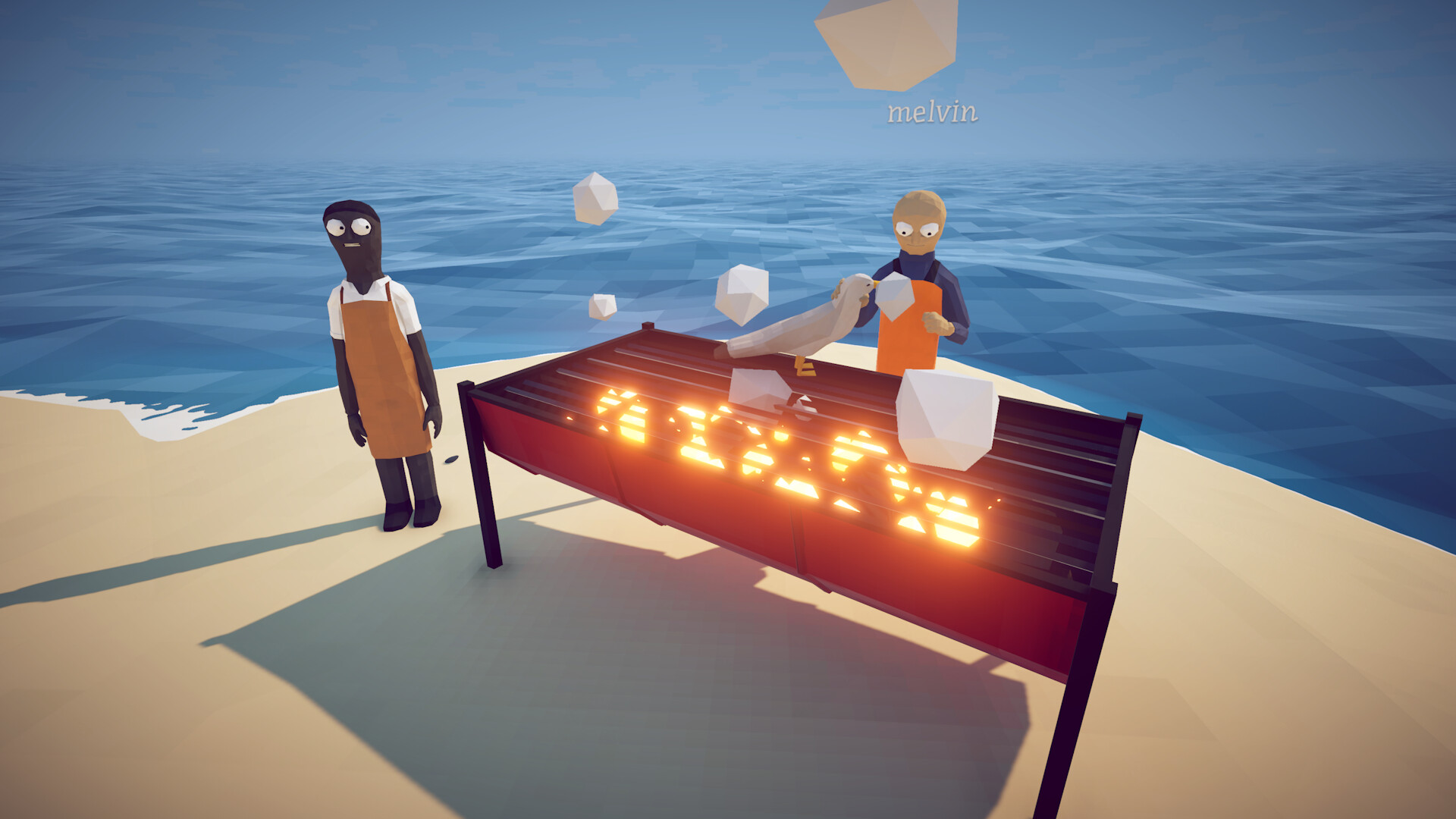
The Steam store still describes the launch scope as 1–4 players, but the later official Patch 1.0.4 announcement added support for lobbies of up to eight. Use the in-game multiplayer flow and Steam invites. For an invite-only group, choose a private lobby; Patch 1.0.5 says a session-type change requires a restart, so restart before asking friends to retry. Confirm everyone is on the same build before moving quest items or starting a boss.
Use a one-player-at-a-time lobby check
Let the host finish loading before sending the first invite. Ask one friend to join, spawn and perform an ordinary interaction, then invite the next person. If the fifth or later player cannot join, do not assume the game is still capped at four: eight-player support is official, but the cause of a particular failed lobby is not. Record the host's build, privacy setting, party size and exact point where joining stops.
Separate joining failure from in-session desync
A friend who never reaches the world has a connection or loading symptom. A friend who joins but sees a different item, boss or player state has a synchronization symptom. Treat these as separate reports. For a join failure, restart Steam and the private session before changing network settings. For desync, stop moving valuable items and compare what the host and affected client see using an expendable object.
Protect quest items and boss drops
Before a boss or quest hand-in, agree that the host will hold the required trophy until every player sees the same objective state. If a client disconnects or cannot see the object, pause rather than passing it between players or saving multiple conflicting states. Record who held it and what each player saw. Resume only after the host verifies the inventory and objective in a recreated lobby.
Build a safe host-transfer test
If the same friend repeatedly fails to join, let one other player host a fresh private lobby and repeat the same one-at-a-time sequence. A host swap that changes the result is useful evidence, but it does not prove a router, firewall or save is at fault. Keep the original save untouched, avoid starting progression, and write down both outcomes before returning to the preferred host.
Use network changes carefully
Confirm Steam is online and each player has completed pending game updates. Check whether a VPN or restrictive network is unexpectedly active, but do not permanently disable a firewall or expose ports based on a forum guess. If a security product appears to block the game, use that product's documented temporary test, restore protection immediately, and record whether the same invite works afterward.
Confirm success before risking progression
A lobby is not fully validated just because every player reached the boat. Have each participant confirm movement, inventory visibility and one expendable pickup. Then verify that the host sees the same result before beginning a boss, buying expensive equipment or handling a quest item. This small baseline gives the group a known-good point and makes a later mismatch easier to describe without guessing.
Private lobbies and session types
Official patch 1.0.5 added private lobbies and the ability to change the session type, with a restart required after switching. If a friend cannot find your session, confirm the host's lobby privacy setting first, then restart the session after any change. This is the current documented behavior; launch-week advice written before 1.0.5 may describe lobby rules that no longer apply.
Report a failed co-op session
Include every player's game build, the host's region, public or private setting, party size, invite method, and the first failed step. State whether the player never loaded, returned to a menu, saw a black screen or entered with mismatched world state. Add whether restarting after the privacy change or swapping host changed the result. Do not claim a universal fix from one successful retry; submit the comparison through an official developer channel.
Sources & Evidence
Claims are backed by the following sources. Unknowns are marked explicitly.
- Steam Store — How to FishOfficial / Tier 1Checked 2026-08-31
- Dazed Games — official announcements (Patch 1.0.4 and 1.0.5)Official / Tier 1Checked 2026-08-31