
How to Fish Leeches: Location and Missing-Spawn Checks
Updated 2026-08-25
Search for leeches methodically, distinguish a missed ground spawn from a broken session, and report a reproducible missing-spawn issue.
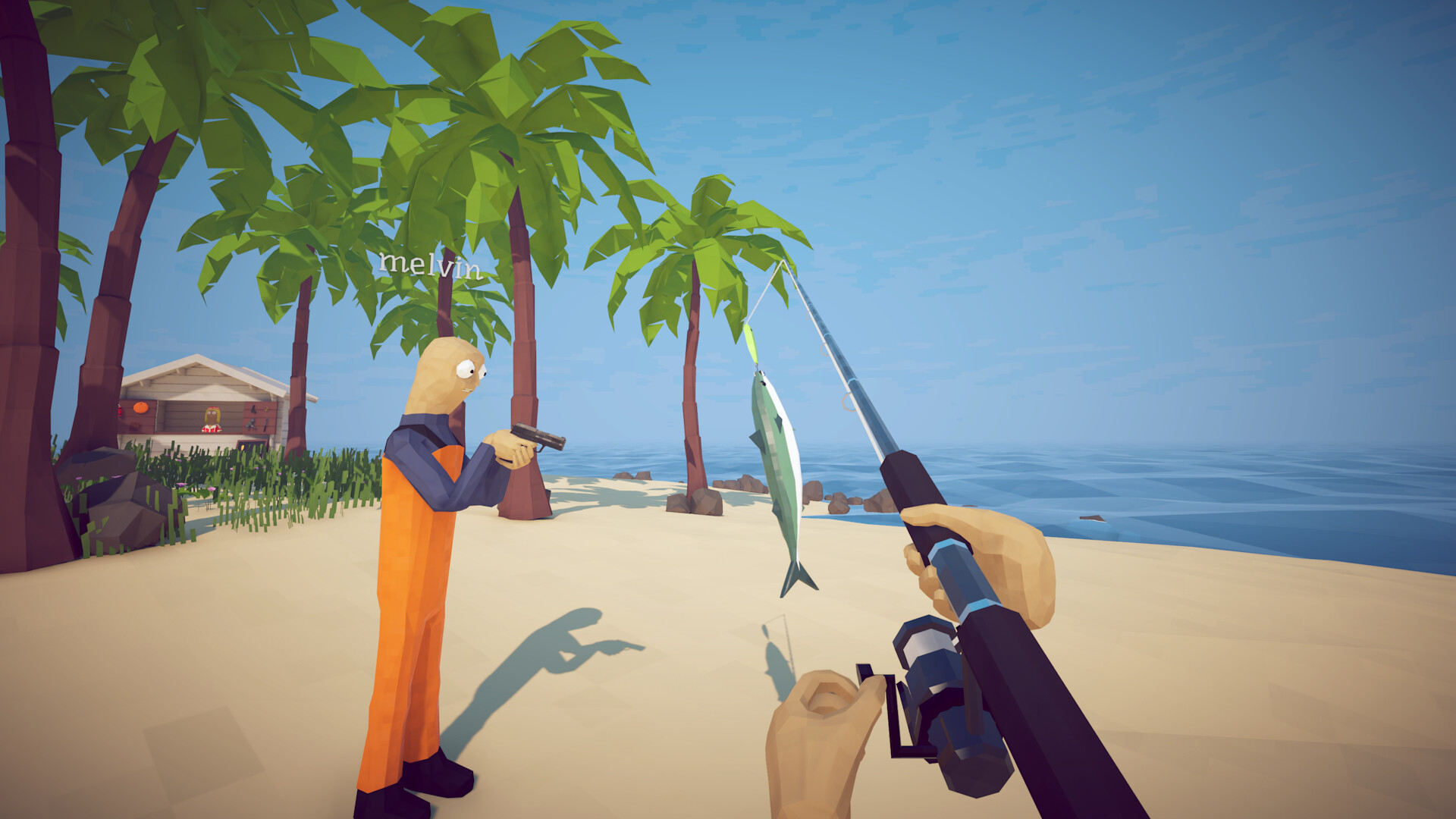
What the evidence supports
A launch-week Steam discussion shows multiple players looking for leeches during a second-island task and reporting that expected ground spawns were absent. The thread does not establish an exact universal coordinate, respawn timer or guaranteed fix. This page therefore gives a bounded search and diagnosis process. Treat current quest text and visible retail gameplay as the authority, and treat forum location language as a clue that may vary by patch or session.
Confirm the task before searching
Read the objective again and verify the requested creature, quantity and island. Talk to the quest giver once more in case dialogue must advance before spawns activate. Clear inventory space and note whether you are host or client. Search in daylight or with settings that make small ground objects visible. Do not assume a water creature: the discussion specifically centers on players being told to look on the ground, so inspect walkable terrain as well as the shoreline.
Use a grid instead of wandering
Start at the quest giver and walk a slow expanding loop through nearby paths, vegetation edges, rocks and the transition between beach and inland ground. Keep the camera low enough to see small objects, then repeat from the opposite direction so shadows and props do not hide them. Mark each searched landmark mentally. Avoid sailing away and returning randomly; a repeatable route tells you whether the same areas remain empty after a controlled reload.
Test session state safely
If the grid is empty, save from the menu and return to the main menu. Reload the same file once and repeat the exact route. In co-op, let the host search and interact first, then compare what clients see. Do not overwrite multiple saves, delete files or install an unknown mod. If joining a trusted friend's session reveals the objects, record that difference; it points toward session or quest state rather than proof of one permanent location.
Report a useful reproduction
Record game version, platform, island, objective text, host/client role, whether the quest giver was revisited and what changed after a menu reload. Add a screenshot of the empty search area only if it contains no private information. Check official patch announcements before posting. A report with this sequence is more actionable than 'leeches do not exist' and lets future guide updates distinguish an actual fix from a lucky spawn.
What this guide does not claim
We do not publish an invented coordinate, drop rate or respawn time. Community reports establish that the question and symptom are real, not that every player shares the same bug. If a current official patch or developer message supplies exact behavior, that source will replace this bounded process. Until then, preserve your save, search systematically and submit the current build context.
How to apply this guide safely
Begin with “What the evidence supports” and compare it with the objective, inventory, and controls shown by your installed build. Do not change several variables at once. If the guide concerns progression, complete one dialogue or hand-in and confirm the objective changed before sailing away. If it concerns combat, test the control or equipment choice on an ordinary encounter before spending a boss trigger. If it concerns troubleshooting, preserve the save and start with reversible checks such as restarting the session and verifying files.
Keep a short run record with the game version, solo or co-op state, host identity, starting objective, relevant equipment, steps taken, and outcome. Physics, network state, and retail patches can make two attempts look different even when both players describe them honestly. A controlled record lets you identify which condition changed. It also gives the developer a useful reproduction if the result points to a defect rather than a missed quest step.
Evidence and version check
This article uses Steam Store — How to Fish, Steam Discussion — where to find leeches. Official store text and developer announcements establish supported features and broad progression. Steam achievement wording establishes that a named action exists, but it does not prove an exact coordinate, probability, price, damage value, or hidden timer. Community discussions can reveal a repeated problem and possible workaround, but one reply is not treated as a universal mechanic. Where evidence stops, the guide uses cautious testing steps instead of inventing a precise answer.
Before relying on an older route, check the Steam news and discussion dates against the updated date at the top of this page. Prefer the current in-game objective when it conflicts with a video or forum post. Avoid unknown executables, replacement saves, cheats, or destructive file edits offered as shortcuts. A legitimate workaround should be explainable, reversible, and testable without surrendering account credentials or deleting the only known-good save.
Completion check
Finish with “What this guide does not claim,” then verify the result in the system that matters: quest log for progression, inventory for items, Steam for achievements, or a repeatable symptom check for a technical fix. Do not treat a visual animation alone as proof that the save registered the event. Wait for a normal transition and inspect the state before selling items, changing hosts, or starting another objective. If the result differs from this page, send the URL, build number, exact steps, and observed result through the contact page; that evidence is how we correct guides without turning uncertain reports into false facts.
Did this guide solve your problem?
Your answer tells us which fixes need clearer evidence or another troubleshooting path.
Sources & Evidence
Claims are backed by the following sources. Unknowns are marked explicitly.
- Steam Store — How to FishOfficial / Tier 1Checked 2026-08-25
- Steam Discussion — where to find leechesCommunity / Tier 2-3Checked 2026-08-25