How to Fish Multiplayer: Join, Desync and Lobby Checks
Updated 2026-09-06
Set up a private How to Fish lobby for up to eight players, then diagnose failed invites, FPS-cap changes and desync without risking the host save.
Confirm current lobby behavior
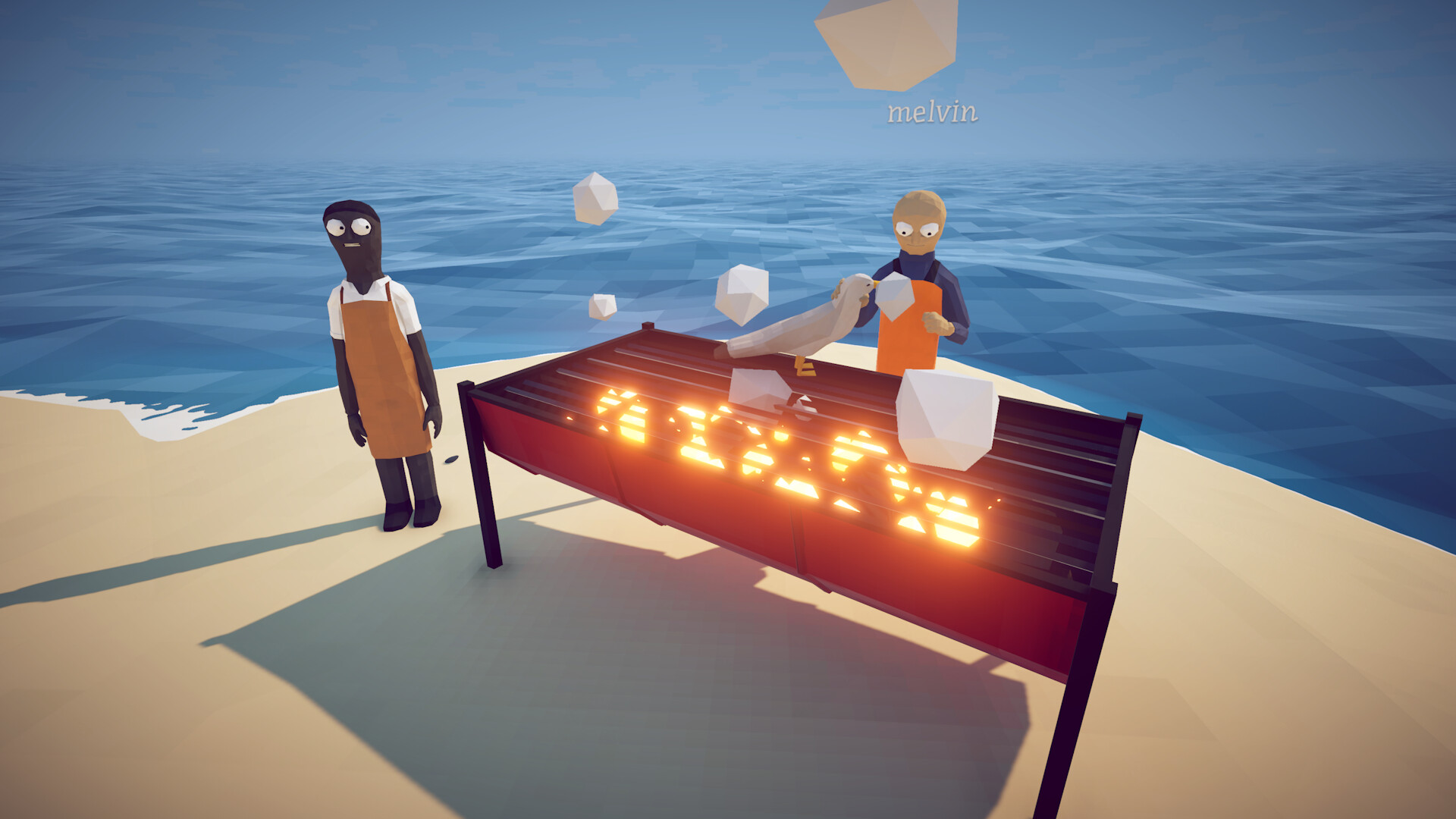
The launch storefront description still says 1–4 players, but the later official Patch 1.0.4 notes added support for lobbies of up to eight. Use the later developer announcement as the current lobby-cap authority while recognizing that the store text is stale. Patch 1.0.5 then added private invite-only lobbies and session-type changes that require a restart. Before troubleshooting an invite, confirm every player is on the same build, the host selected the intended privacy, and the session was restarted after a type change.
If FPS changes only after joining a lobby
Patch 1.0.12 fixes FishNet overriding a player's maximum FPS on lobby join. Restart Steam, confirm the current build, record the cap before joining and compare it immediately afterward. If low frame rate also occurs in single-player, this specific fix does not explain it; use the performance report page instead. A current high-end-PC report proves players still see severe performance symptoms, not that FishNet is the cause of every case.
Establish a clean host
Choose the player with the most stable connection and known-good save. Start a private session, load fully and invite one player at a time. Wait for each person to spawn and interact before adding another. If the first client fails, swap host once and record the outcome. Avoid opening progression items or triggering a boss while the session is still proving that inventory and world state synchronize.
Separate connection from desync
A failed invite or black loading screen is a connection problem; an invisible boss, falling unusable item, wrong hand color or delayed pickup is a synchronized-state problem after connection. Record which category occurred. For desync, stop passing valuable gear, let the host handle quest trophies and test with an expendable object. For connection, restart the session and Steam clients before changing router or firewall settings.
Use network changes carefully
Confirm Steam is online, invites work for another game if available, and no VPN or restrictive network is unexpectedly active. Reboot the router only if you control it and understand the impact. Do not disable the firewall permanently or expose ports based on an unverified comment. If a security tool blocks the game, use its documented temporary test and restore protection immediately afterward.
Diagnose the fifth-player boundary without guessing
If four people join but a fifth cannot, keep the same host and privacy setting, confirm all five builds, and retry after the required session restart. Invite in the same order once, then change only the invite order. Record whether the failure follows one account or always appears at the same party size. That comparison helps separate an individual join problem from a capacity symptom without contradicting the official eight-player limit or claiming an unconfirmed cause.
Protect progression during faults
If a player disconnects during a boss or hand-in, pause and record who held the trophy. Avoid everyone saving a different version of the event. The host should verify objective and inventory before continuing. If a player cannot see a damaging boss, do not ask them to fight blind; recreate the lobby after a deliberate save. A completed fight is not worth an ambiguous or overwritten progression state.
Confirm recovery before continuing the run
After recreating the lobby, test movement and one expendable pickup with each client. Ask the host and client to confirm the same location, holder and inventory result. Only resume progression when the lobby passes that baseline. If the mismatch returns, stop transferring gear and preserve the host save. A successful reconnect is a workaround for that session, not evidence that the underlying desync has been permanently fixed.
Report session evidence
Include build for every player, host region, privacy type, party size, join method, who can reproduce the issue and whether a host swap changes it. For desync, name the exact object or boss and the first mismatched action. Check current official patch posts. These details allow a developer to distinguish capacity, invite, rendering and item synchronization bugs.
Did this guide solve your problem?
Your answer tells us which fixes need clearer evidence or another troubleshooting path.
Sources & Evidence
Claims are backed by the following sources. Unknowns are marked explicitly.
- Dazed Games — Steam Cloud support and Patch 1.0.12Official / Tier 1Checked 2026-09-06
- Steam Store — How to FishOfficial / Tier 1Checked 2026-08-25
- Dazed Games — official announcements (Patch 1.0.4 and 1.0.5)Official / Tier 1Checked 2026-08-31
- Steam Discussions — current multiplayer question indexCommunity / Tier 2-3Checked 2026-09-06