
How to Fish Rod, Boat and Physics Bug Checks
Updated 2026-08-25
Diagnose a stuck rod, drifting boat, falling item or broken interaction with reversible input, session and state comparisons.
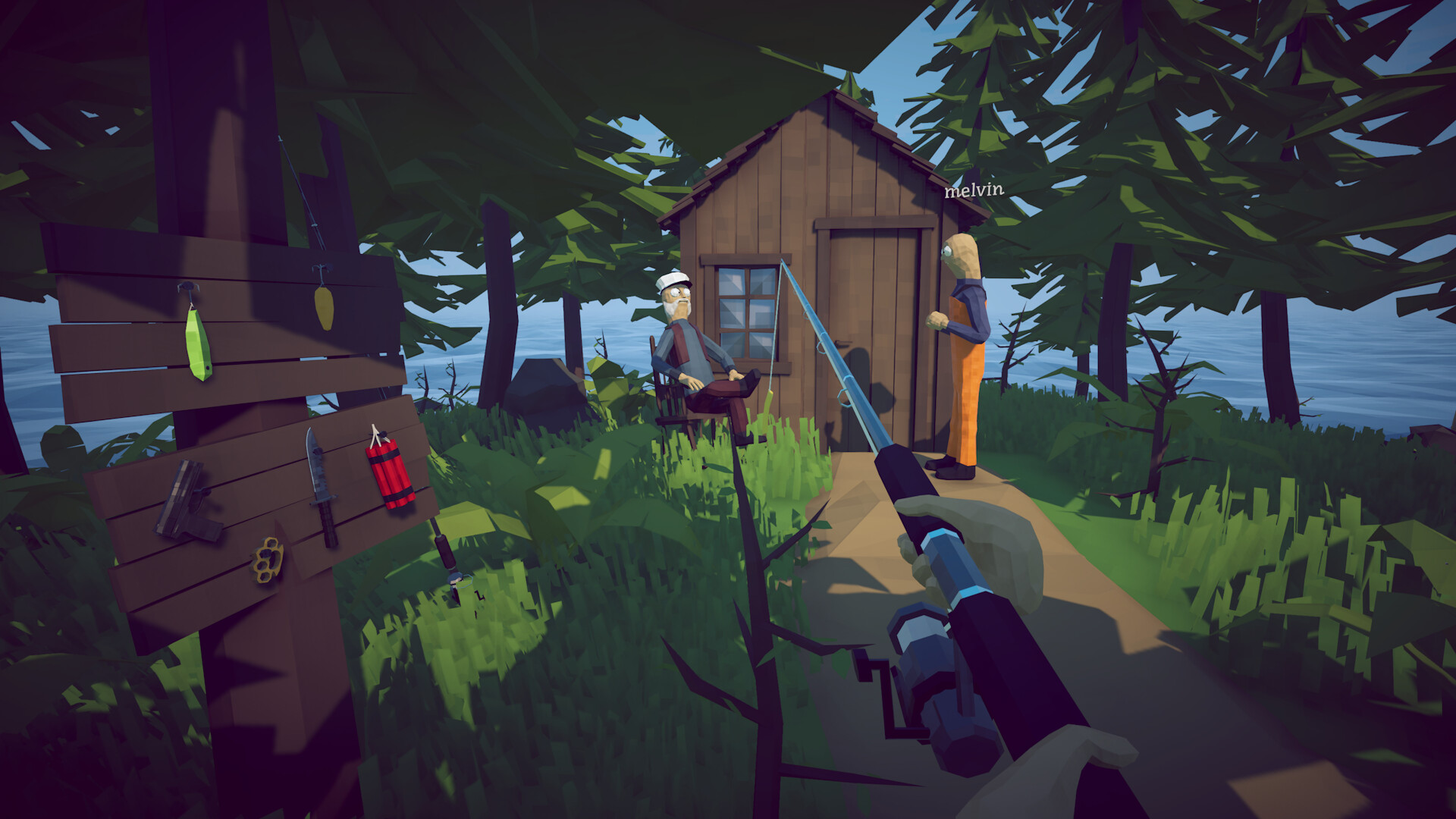
Distinguish physics from input failure
A rod that moves strangely, a boat that drifts, and an item that falls slowly can look related while originating from different systems. First decide whether the control input is ignored, the object responds with unexpected physics, or only another player sees the mismatch. Test the same action on stable ground with an ordinary object. Do not diagnose during a boss, moving boat or lag spike.
Reset the interaction safely
Release every control, put the item away if possible, step onto stable terrain and reselect it. Check keybinds and controller mappings for duplicate actions. Disconnect an extra controller for one test rather than uninstalling drivers. For a rod, use a short cast into open water; for a boat, stop the engine and compare host versus client position. Save only after confirming valuable inventory.
Compare session and save state
Try the action in single-player or a fresh private session using an expendable item. If it works there, record the original host/client state before reconnecting. If the same save fails in every mode, preserve it before additional changes. Do not throw an upgraded weapon or quest object merely to test whether physics recovers. The goal is a minimal reproduction with no progression cost.
Check performance coupling
Severe frame pacing or a device/input conflict can make physics and controls appear inconsistent. Use a supported conservative frame cap and resolution for one comparison, close overlays and record whether the symptom changes. Do not claim a specific FPS value fixes the game; official patches have already changed a minimum locked frame option, and hardware behavior varies. Report the measured before/after state.
Recover the route
If the boat prevents travel, return to the last stable shore, reload once from a deliberate menu save and re-enter through the supported interaction. If a rod blocks a quest, test another legitimate rod only after protecting the current one. Avoid forcing objects through collision with explosives or external tools. A temporary physics workaround is not proof the underlying save is safe.
Write a precise bug report
Include build, input device, host/client role, object, location, last normal action, frame setting and whether single-player differs. Attach a short video only through a trusted platform and remove private overlays. Check patch announcements first. This guide does not invent a universal reset; it narrows the issue so an official fix can target input, physics, session or save state.
How to apply this guide safely
Begin with “Distinguish physics from input failure” and compare it with the objective, inventory, and controls shown by your installed build. Do not change several variables at once. If the guide concerns progression, complete one dialogue or hand-in and confirm the objective changed before sailing away. If it concerns combat, test the control or equipment choice on an ordinary encounter before spending a boss trigger. If it concerns troubleshooting, preserve the save and start with reversible checks such as restarting the session and verifying files.
Keep a short run record with the game version, solo or co-op state, host identity, starting objective, relevant equipment, steps taken, and outcome. Physics, network state, and retail patches can make two attempts look different even when both players describe them honestly. A controlled record lets you identify which condition changed. It also gives the developer a useful reproduction if the result points to a defect rather than a missed quest step.
Evidence and version check
This article uses Steam Community Hub — official announcements, Steam Discussions — current issue reports. Official store text and developer announcements establish supported features and broad progression. Steam achievement wording establishes that a named action exists, but it does not prove an exact coordinate, probability, price, damage value, or hidden timer. Community discussions can reveal a repeated problem and possible workaround, but one reply is not treated as a universal mechanic. Where evidence stops, the guide uses cautious testing steps instead of inventing a precise answer.
Before relying on an older route, check the Steam news and discussion dates against the updated date at the top of this page. Prefer the current in-game objective when it conflicts with a video or forum post. Avoid unknown executables, replacement saves, cheats, or destructive file edits offered as shortcuts. A legitimate workaround should be explainable, reversible, and testable without surrendering account credentials or deleting the only known-good save.
Completion check
Finish with “Write a precise bug report,” then verify the result in the system that matters: quest log for progression, inventory for items, Steam for achievements, or a repeatable symptom check for a technical fix. Do not treat a visual animation alone as proof that the save registered the event. Wait for a normal transition and inspect the state before selling items, changing hosts, or starting another objective. If the result differs from this page, send the URL, build number, exact steps, and observed result through the contact page; that evidence is how we correct guides without turning uncertain reports into false facts.
Did this guide solve your problem?
Your answer tells us which fixes need clearer evidence or another troubleshooting path.
Sources & Evidence
Claims are backed by the following sources. Unknowns are marked explicitly.
- Steam Community Hub — official announcementsOfficial / Tier 1Checked 2026-08-25
- Steam Discussions — current issue reportsCommunity / Tier 2-3Checked 2026-08-25