How to Fish Weapon Upgrades: Spend Without Wasting Money
Updated 2026-08-25
Choose weapon upgrades from observed bottlenecks, compare range and control, and avoid copying a patch-sensitive best-build claim.
There is no verified universal best gun
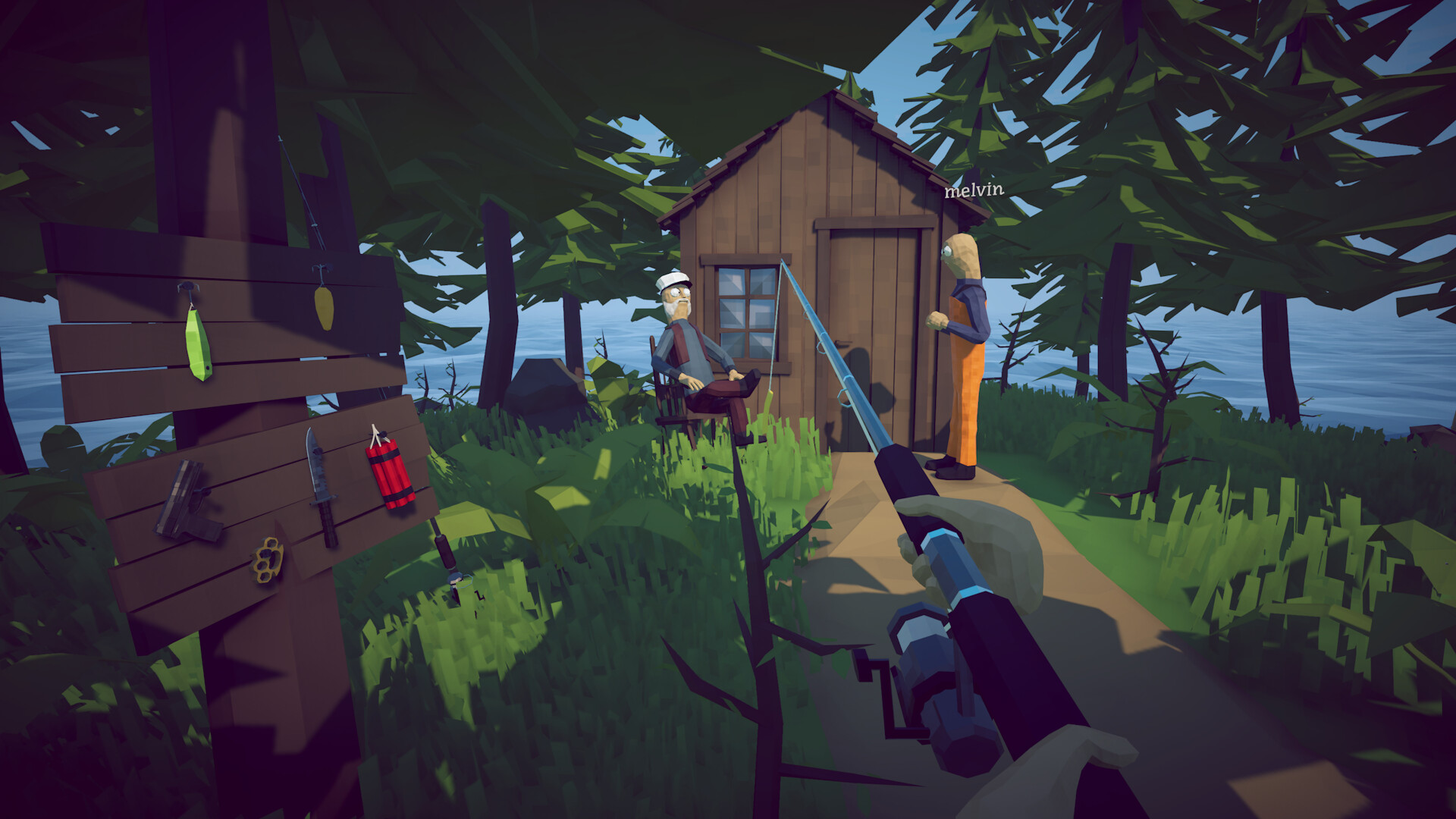
The game includes weapons alongside rods and fishing gear, while community boss threads recommend different choices for the same encounter. That disagreement matters: range, recoil, add pressure, ammunition, player aim and the current patch all change the practical result. This guide does not publish invented damage values or a permanent tier list. It helps you spend on the weapon that removes a demonstrated bottleneck in your own route.
Run a zero-cost test first
Take the unmodified weapon to ordinary creatures near safe terrain. Test firing while stationary, strafing and moving backward. Note the comfortable distance, recoil recovery, reload exposure and whether a missed shot is expensive. Repeat with your current alternative. The winner is not the weapon with the most dramatic single hit; it is the one that consistently creates progress without forcing unsafe stops or exhausting supplies before the encounter ends.
Upgrade one constraint at a time
If shots miss because recoil climbs, improve control before buying more damage. If you maintain accuracy but run out of time or ammunition, consider output or capacity. If the weapon forces you too close, do not assume another damage level fixes the range problem. Buy one meaningful change, retest on the same target and keep enough money for progression necessities. This produces evidence you can trust instead of spending the entire budget on a forum screenshot.
Pair weapons with different jobs
A useful pair covers two situations: a controlled primary for the boss or valuable target and a fallback for small creatures, close pressure or the primary reload. Avoid carrying two weapons that fail for the same reason. Arrange hotbar slots so the fallback is reachable without looking away. In co-op, diversify roles rather than having every player copy the same build; the group then retains an answer when range, adds or ammunition changes.
Protect upgraded gear
Launch-week discussions and reviews report disappearing weapons or lost inventory after saves, deaths and session changes. These reports do not prove one universal cause, but they justify cautious handling. Save through the menu, avoid leaving valuable weapons loose on the ground, verify inventory before quitting, and pause after a crash or desync. Follow the dedicated item-loss guide before replacing an expensive weapon repeatedly.
Recheck after patches
Official patches can adjust options, progression or bugs even when a weapon is not named directly. Keep your comparison tied to a date and build. If a loadout suddenly behaves differently, repeat the safe test rather than assuming the game or your save is broken. Submit a correction with the version and a public demonstration when a specific recommendation becomes outdated; we will not preserve a tier list merely because it attracts searches.
How to apply this guide safely
Begin with “There is no verified universal best gun” and compare it with the objective, inventory, and controls shown by your installed build. Do not change several variables at once. If the guide concerns progression, complete one dialogue or hand-in and confirm the objective changed before sailing away. If it concerns combat, test the control or equipment choice on an ordinary encounter before spending a boss trigger. If it concerns troubleshooting, preserve the save and start with reversible checks such as restarting the session and verifying files.
Keep a short run record with the game version, solo or co-op state, host identity, starting objective, relevant equipment, steps taken, and outcome. Physics, network state, and retail patches can make two attempts look different even when both players describe them honestly. A controlled record lets you identify which condition changed. It also gives the developer a useful reproduction if the result points to a defect rather than a missed quest step.
Evidence and version check
This article uses Steam Store — How to Fish, Steam Discussion — conflicting piranha loadouts. Official store text and developer announcements establish supported features and broad progression. Steam achievement wording establishes that a named action exists, but it does not prove an exact coordinate, probability, price, damage value, or hidden timer. Community discussions can reveal a repeated problem and possible workaround, but one reply is not treated as a universal mechanic. Where evidence stops, the guide uses cautious testing steps instead of inventing a precise answer.
Before relying on an older route, check the Steam news and discussion dates against the updated date at the top of this page. Prefer the current in-game objective when it conflicts with a video or forum post. Avoid unknown executables, replacement saves, cheats, or destructive file edits offered as shortcuts. A legitimate workaround should be explainable, reversible, and testable without surrendering account credentials or deleting the only known-good save.
Completion check
Finish with “Recheck after patches,” then verify the result in the system that matters: quest log for progression, inventory for items, Steam for achievements, or a repeatable symptom check for a technical fix. Do not treat a visual animation alone as proof that the save registered the event. Wait for a normal transition and inspect the state before selling items, changing hosts, or starting another objective. If the result differs from this page, send the URL, build number, exact steps, and observed result through the contact page; that evidence is how we correct guides without turning uncertain reports into false facts.
Sources & Evidence
Claims are backed by the following sources. Unknowns are marked explicitly.
- Steam Store — How to FishOfficial / Tier 1Checked 2026-08-25
- Steam Discussion — conflicting piranha loadoutsCommunity / Tier 2-3Checked 2026-08-25