How to Clean a Cooked / Burnt Fishing Rod in How to Fish
Updated 2026-08-31
Dip a cooked fishing rod or tool in water after Patch 1.0.10, then use safe checks if the item is missing rather than visibly burnt.
Do this first: put the cooked rod in water
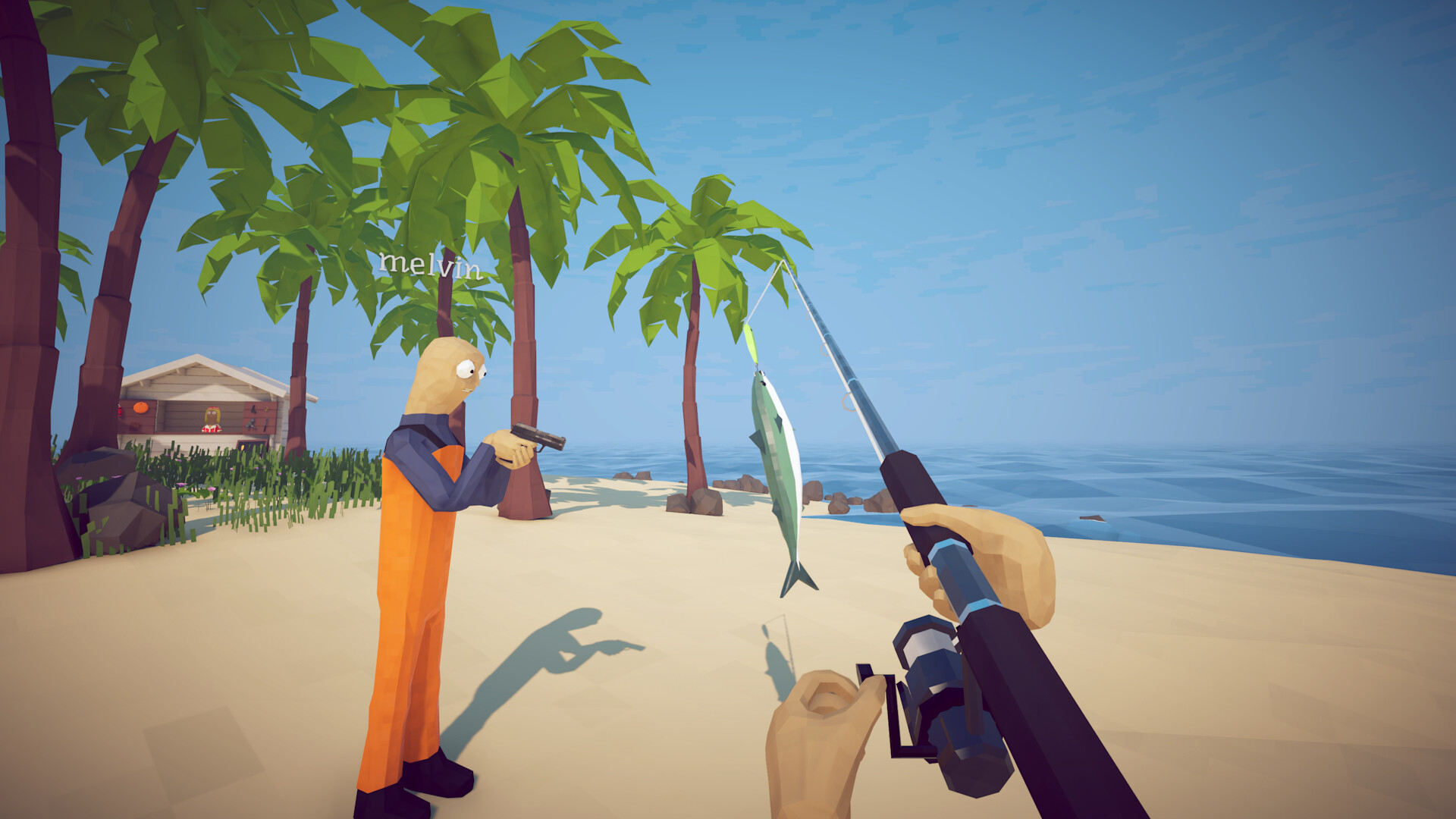
Patch 1.0.10 officially added a way to clean cooked weapons and tools: dip the affected item in water. Keep the rod equipped or held if the game allows it, enter ordinary water safely, and bring the item into contact with the water. Then move back to stable ground and inspect its appearance and function. This is the current developer-published action; older advice to buy another rod or reload a save is not the first step for a rod that is still present but looks cooked.
Confirm the result before continuing
After the water contact, verify three things: the burnt appearance is gone, the rod remains in the expected inventory or equipment slot, and a short test cast works. In co-op, ask the host and client whether they see the same state before handing the rod between players. If the rod is clean and works, make a deliberate in-game save through the supported menu. Do not keep repeating the process once the result is confirmed.
A missing rod is a different problem
Water cleaning only applies when the cooked weapon or tool still exists. If the rod is absent, check every inventory page, equipment slot, nearby ground and trusted co-op partner. Patch 1.0.10 saves up to 64 ground items and prioritizes weapons, tools, quest items and creatures, but that limit is not unlimited storage and does not guarantee recovery of an item that is already missing. Preserve the current save state before trying broader troubleshooting.
If the water action does not work
Record the installed game version, solo or co-op state, host/client role, the exact item, where it was cooked and whether both players see the same appearance. Restarting into the same unsupported sequence can overwrite useful evidence, so avoid repeated saves while the state is unclear. Check the official announcements for a newer patch and report the reproduction through the game's official community channel. Label water cleaning as unsuccessful on your build rather than assuming a new cause.
Test the smallest repeatable case
If the item remains visibly cooked, move to a safe shoreline and repeat water contact once while recording a short clip. Note whether the item was held, equipped or on the ground, and whether the appearance changed for the host but not a client. Do not cook another valuable rod to create evidence. A result using the already-affected item is enough to show the developer which state failed on the current build.
What to include in a developer report
Provide the game version, operating system, solo or co-op mode, host/client role, item name, cooking interaction and exact water location. State whether the rod could still cast, whether reselecting it changed the display, and whether another player saw a different state. Link the official Patch 1.0.10 expectation and describe the observed difference. Keep the report factual; do not infer that the save, grill or network caused the failure without a controlled comparison.
Keep risky recovery advice out of the diagnosis
Do not delete saves, force a cloud overwrite, install an inventory editor, download a replacement save or replace game DLLs. Steam file verification can check installed program files, but it does not reconstruct a missing inventory item. If the rod is present and cooked, use water. If it is missing, preserve the save and follow the separate lost-items checklist linked below.
Did this guide solve your problem?
Your answer tells us which fixes need clearer evidence or another troubleshooting path.
Sources & Evidence
Claims are backed by the following sources. Unknowns are marked explicitly.
- Dazed Games — official How to Fish announcements (Patch 1.0.10)Official / Tier 1Checked 2026-08-31