How to Fish Patch Notes & Update History (Verified)
Updated 2026-09-14
Verified How to Fish Steam update history through Patch 1.0.12, including Steam Cloud, boss balance, lobby FPS, voice chat and item-physics changes.
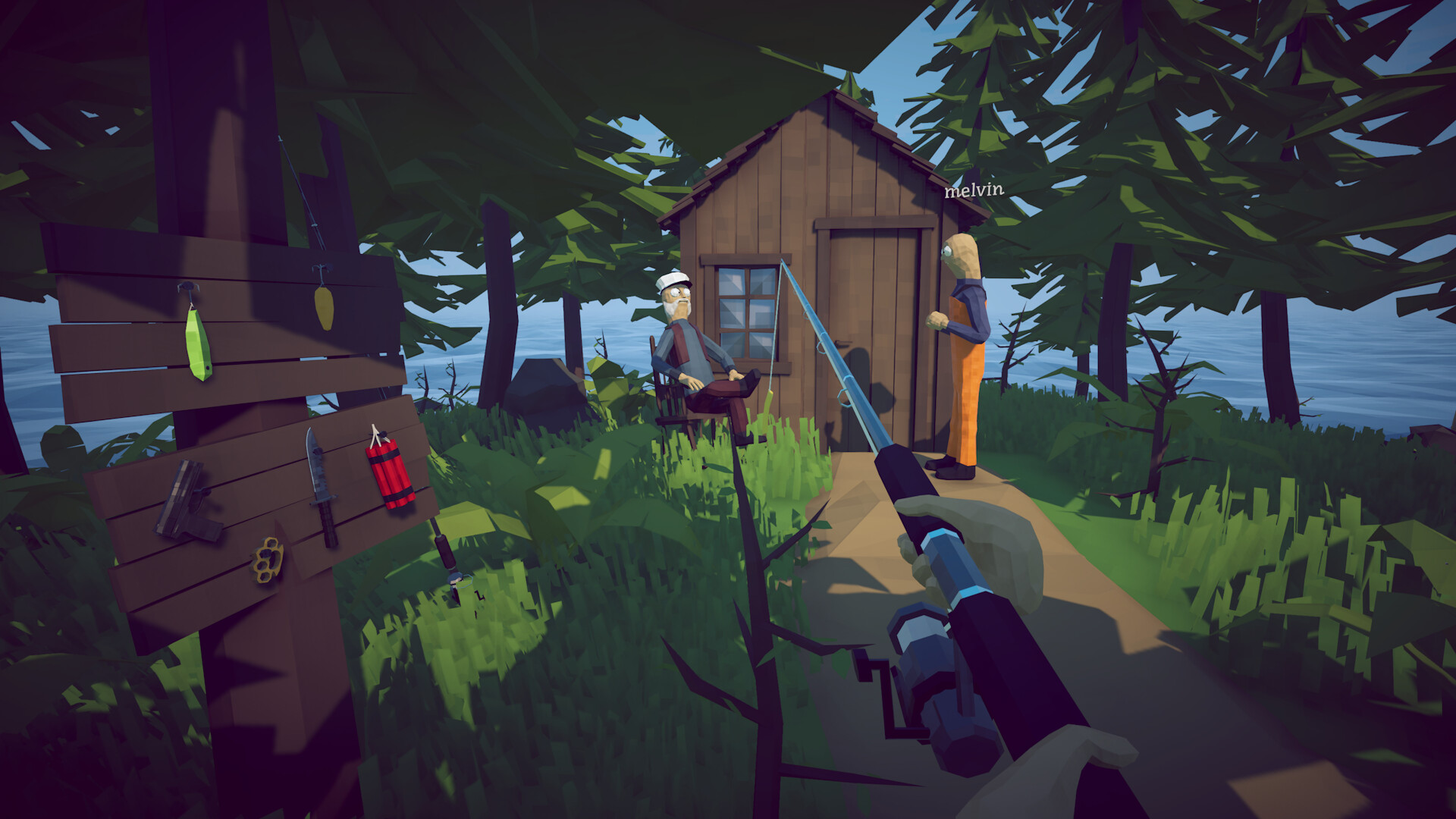
Latest answer: Patch 1.0.12 is the newest documented release
Dazed Games published Patch 1.0.12 on September 4 as Steam build 25127368. The official announcement is the current changelog authority. Restart Steam if the update is not offered, then compare the version shown by the game before applying advice written for an earlier build.
Launch — August 20, 2026
How to Fish released on Steam on August 20, 2026. The Steam store establishes the retail platform and core single-player/online-co-op scope. Later developer announcements, not the launch description, are the authority for post-release changes such as larger lobbies, private sessions and save behavior.
Patch 1.0.4 — eight-player lobbies and launch fixes (August 21)
The official notes added support for lobbies of up to eight players, nerfed Pufferfish and Whale, and made the intended path to the final island easier to see. The same post said the team had hopefully fixed lobby-join black screens and startup gray screens, removed special characters from server names because they could break save files, and fixed the bare-hands final-boss achievement for all players. The developer's word 'hopefully' matters: it reports an attempted fix, not a guarantee that no player can still reproduce the symptom.
Patch 1.0.5 and 1.0.6 — private sessions and safer saving (August 22–23)
Patch 1.0.5 added private invite-only lobbies, session-type changes that require a restart, inverted look-axis options and a lower minimum locked-FPS option. It fixed unintended travel to locked islands, invisible slot-machine skins at 4K, the extra-drip requirement for Fishipedia and one public-lobby griefing route. Patch 1.0.6 added save-file validation, stopped writing server/local state specifically when the application crashes, kept minute autosaves, and confirmed saves on Save, Main Menu and Quit actions. Those changes reduce future risk; they do not reconstruct already-lost progress.
Patch 1.0.8 and 1.0.9 — controller, audio, difficulty and save work (August 24)
Patch 1.0.8 corrected PlayStation controller glyphs and tied the fire-sizzle sound to the FX volume slider. Patch 1.0.9 added difficulty selection in the main menu and in-game: Easy gives creatures 25% less health and 50% less damage, while Hard gives them 25% more health and 25% more damage. It also added a Steam-relay status check and said save corruption was 'hopefully' fixed. Players still crashing on save load or weapon equip were directed to the official Community Discord for item-removal guidance; that is not permission to delete files or use an unknown editor.
Patch 1.0.10 — ground-item persistence and item fixes (August 27)
Patch 1.0.10 made cooked weapons and tools cleanable by dipping them in water and began saving up to 64 ground items between sessions, prioritizing weapons, tools, quest items and creatures. It slightly reduced Anglerfish health, limited explosion velocity so objects travel less far, increased connection time, removed the confusing radar X marker, and addressed several roulette, seagull/item, equip-position and load/join item problems. The notes say the equip-position and falling-through changes were hopeful fixes, so the 64-object limit is confirmed but universal recovery or persistence is not.
Patch 1.0.11 — save backups, GeForce NOW and controls (September 1)
Patch 1.0.11 added GeForce NOW support and officially noted the game's Steam Deck Verified status. New settings cover toggle aim, toggle sprint, hold to attack and toggle nametags. Saves are now checked for corruption before loading and the game creates native backups, but the announcement does not document a backup path, file name, retention count or safe restoration procedure. The patch also moved the roulette table, made dropped weapons orange dots and dead players turquoise dots, made a player's own explosives lethal to that player even with friendly fire disabled, removed iron sights as a purchasable attachment, and stopped suppressors being downgraded to compensators.
Patch 1.0.11 fixes and evidence limits
The developer says items must be held at least once before they can be sold, fixes drip Parrotfish cooking and a hand-teleport animation, and describes the join-inventory bug that could make players invisible as 'hopefully fixed.' That wording is an attempted fix, not proof that the symptom cannot recur. The notes also do not promise recovery of an already-corrupt save, already-missing gear, Steam Cloud synchronization, iron-sight refunds or migration behavior for old saves.
Patch 1.0.12 — Steam Cloud, boss balance and targeted fixes (September 4)
Patch 1.0.12 adds Steam Cloud save storage. For an existing world, the developer's migration instruction is specific: play and exit once on the PC where that save already exists so Steam can upload it. The patch also rebalances the Giant Piranha and slightly nerfs Tuna, but publishes no direction, health total, damage value or percentage for either change. It limits item velocity in the hope that items are harder to lose, updates MetaVoice to 4.3 in the hope of fixing voice-chat bugs, stops FishNet overriding the player's maximum FPS when joining a lobby, preloads music to remove the first-radio purchase lag spike, and makes the final boss take explosive damage even when the hit lands on its tail.
What Patch 1.0.12 does not prove
Steam Cloud support does not prove that an already-corrupt or already-missing world can be recovered, that two different copies will be merged, or that a GeForce NOW session saved before the patch will reappear. The words 'hopefully' still apply to item loss and voice chat, so those symptoms may need new current-build reports. A separate very-low-FPS report also cannot be attributed to the fixed lobby cap override unless the problem begins specifically after joining a lobby. Preserve a known-good save before resolving any cloud conflict.
How to check your game version
Check the version displayed by the game, close it completely, then restart Steam and allow pending downloads to finish. Compare the date with Dazed Games' official announcements. SteamDB can confirm that a public manifest changed, but only the developer announcement establishes what changed. If the build is newer than this page, avoid applying old save, route or lobby advice until the new scope is known.
Sources & Evidence
Claims are backed by the following sources. Unknowns are marked explicitly.
- Dazed Games — Steam Cloud support and Patch 1.0.12 announcementOfficial / Tier 1Checked 2026-09-06
- SteamDB — Patch 1.0.12 build 25127368 mirrorThird-party / Tier 4Checked 2026-09-06
- Dazed Games — Patch 1.0.11 official announcementOfficial / Tier 1Checked 2026-09-06
- Dazed Games — official How to Fish announcementsOfficial / Tier 1Checked 2026-09-02
- SteamDB — Patch 1.0.11 build 25065327 mirrorThird-party / Tier 4Checked 2026-09-02
- SteamDB — unannotated public build 25065888Third-party / Tier 4Checked 2026-09-02