How to Fish Difficulty Settings: Easy, Normal and Hard Explained
Updated 2026-09-06
Patch 1.0.9 added difficulty settings to How to Fish. See the exact Easy, Normal and Hard health and damage modifiers, where to change them, and when to switch before a boss trigger.
Quick answer: what each difficulty changes
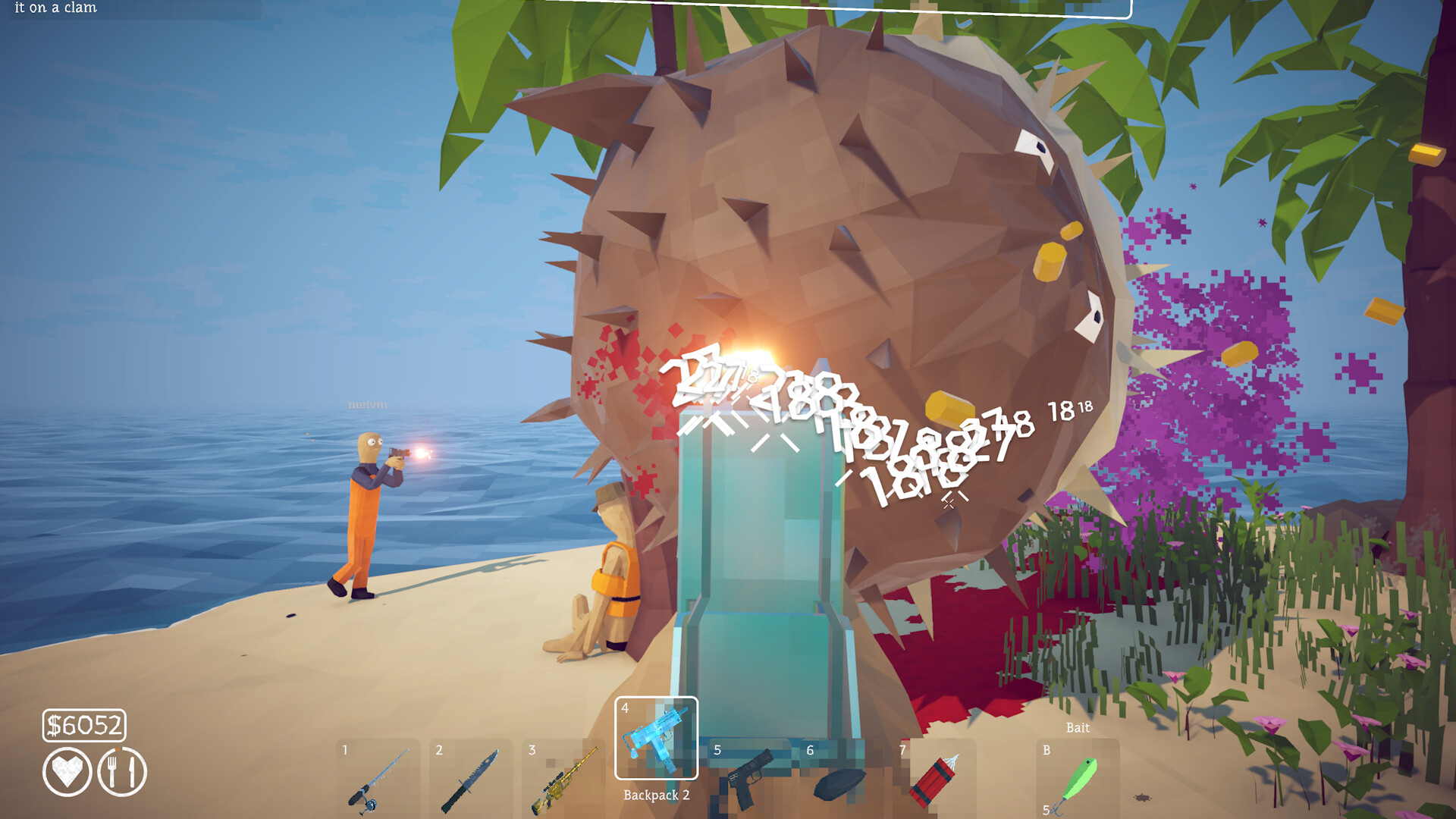
Patch 1.0.9 added a difficulty option to How to Fish, selectable both in the main menu and in-game. According to the official patch notes, Easy mode gives all creatures 25% less health and makes them deal 50% less damage. Hard mode gives all creatures 25% more health and makes them deal 25% more damage. Normal is the original launch tuning. The modifier applies to creature health and damage output; the patch notes do not describe changes to sell prices, spawn behavior, or quest requirements, so treat difficulty as a combat tuning knob rather than an economy or progression change.
Where to change the difficulty
The official patch notes state the option is available in the main menu and in-game. If you are mid-run, check the in-game settings menu before quitting out — you do not need to abandon a save to switch. Confirm the change took effect before your next encounter: the safest verification is to engage one ordinary creature and compare the fight length against what you are used to, rather than discovering a wrong setting during a boss.
When Easy mode is worth using
Easy mode is a reasonable choice when a specific boss is blocking progression and repeated attempts are costing you boss lures, which are consumed on use. Halved incoming damage also makes learning attack patterns cheaper — the Pufferfish chase, the aerial Albatross phases, and the final boss all punish positioning errors that are easier to practice when one mistake is not lethal. There is no evidence in the patch notes that Easy mode locks achievements, but the game's achievement list is silent on difficulty interaction; if you are chasing challenge achievements like Bean or Handyman, consider confirming on Normal or Hard so your run matches community comparisons.
When Hard mode is worth using
Hard mode raises both creature health and damage by 25%. It suits players who have finished the story, hold fully upgraded weapons, and find ordinary encounters trivial. Note that higher creature health means longer fights, which means more exposure to the white escape bar under boss health pools — a longer fight is not automatically an easier trophy. If you trigger a rare or expensive boss spawn, decide the difficulty before casting the lure, because the lure is consumed whether or not the fight goes well.
Switch difficulty before spending a boss trigger
Boss lures and special summon items are one-use. If you intend to attempt a boss on a specific difficulty, set it first, verify on a normal creature, and only then cast. Community discussions show players losing a Standard or Professional Boss Lure to a fight they were not tuned for; the difficulty setting is the cheapest variable to fix in that chain. Our boss preparation checklist covers the rest of the pre-fight order.
Version note and evidence boundary
Difficulty settings exist from Patch 1.0.9 onward. If your main menu shows no difficulty option, your build is older — restart Steam to force the update and re-check. The exact percentages above come from the official patch notes as mirrored by SteamDB; anything beyond them — for example claims about difficulty affecting drip spawn rates or roulette odds — is currently unverified and should be treated as speculation until Dazed Games says otherwise.
How to apply this guide safely
Begin with “Quick answer: what each difficulty changes” and compare it with the objective, inventory, and controls shown by your installed build. Do not change several variables at once. If the guide concerns progression, complete one dialogue or hand-in and confirm the objective changed before sailing away. If it concerns combat, test the control or equipment choice on an ordinary encounter before spending a boss trigger. If it concerns troubleshooting, preserve the save and start with reversible checks such as restarting the session and verifying files.
Keep a short run record with the game version, solo or co-op state, host identity, starting objective, relevant equipment, steps taken, and outcome. Physics, network state, and retail patches can make two attempts look different even when both players describe them honestly. A controlled record lets you identify which condition changed. It also gives the developer a useful reproduction if the result points to a defect rather than a missed quest step.
Evidence and version check
This article uses SteamDB — How to Fish Patch 1.0.9 notes, Steam Community — How to Fish official announcements. Official store text and developer announcements establish supported features and broad progression. Steam achievement wording establishes that a named action exists, but it does not prove an exact coordinate, probability, price, damage value, or hidden timer. Community discussions can reveal a repeated problem and possible workaround, but one reply is not treated as a universal mechanic. Where evidence stops, the guide uses cautious testing steps instead of inventing a precise answer.
Before relying on an older route, check the Steam news and discussion dates against the updated date at the top of this page. Prefer the current in-game objective when it conflicts with a video or forum post. Avoid unknown executables, replacement saves, cheats, or destructive file edits offered as shortcuts. A legitimate workaround should be explainable, reversible, and testable without surrendering account credentials or deleting the only known-good save.
Completion check
Finish with “Version note and evidence boundary,” then verify the result in the system that matters: quest log for progression, inventory for items, Steam for achievements, or a repeatable symptom check for a technical fix. Do not treat a visual animation alone as proof that the save registered the event. Wait for a normal transition and inspect the state before selling items, changing hosts, or starting another objective. If the result differs from this page, send the URL, build number, exact steps, and observed result through the contact page; that evidence is how we correct guides without turning uncertain reports into false facts.
Sources & Evidence
Claims are backed by the following sources. Unknowns are marked explicitly.
- SteamDB — How to Fish Patch 1.0.9 notesOfficial / Tier 1Checked 2026-08-26
- Steam Community — How to Fish official announcementsOfficial / Tier 1Checked 2026-09-06