How to Fish System Requirements, Platforms & Steam Deck Status
Updated 2026-09-06
How to Fish GeForce NOW availability, PC requirements, current Steam Deck Verified status, SteamOS boundary, controller support and console availability.
Quick answer: Windows, GeForce NOW, Steam Deck and player count
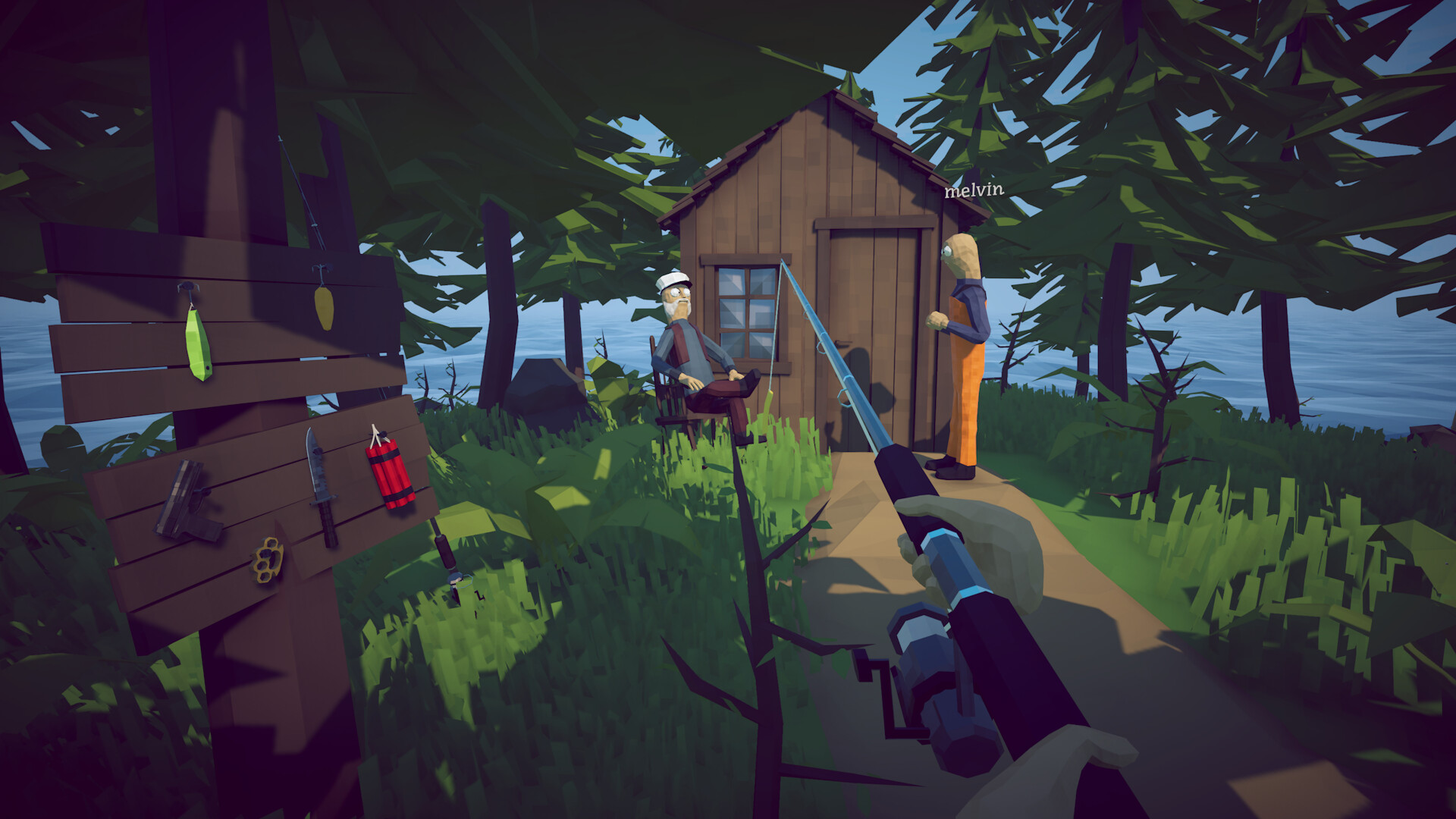
How to Fish is sold as a Windows PC game on Steam. Patch 1.0.11 added GeForce NOW support and confirmed Steam Deck Verified status; Patch 1.0.12 then added Steam Cloud for save availability across the same Steam account. The storefront description still says 1–4 players, but the later official Patch 1.0.4 announcement raised lobbies to eight. These platform and capacity statements do not guarantee a particular streaming region, performance target or fault-free online session.
How to play How to Fish on GeForce NOW
Yes—official Patch 1.0.11 says How to Fish supports GeForce NOW. NVIDIA's general workflow is to open the GeForce NOW app or browser, sign in, connect or sync the Steam library that owns the game, search for How to Fish and start it from the library. Patch 1.0.12 adds Steam Cloud, but an existing local world must first be opened and exited once on its original PC to upload it. Do that before beginning a streaming session. The patch does not promise recovery of a world lost during a pre-1.0.12 GeForce NOW session.
Minimum Windows system requirements
The official Steam store lists Windows 10 or later on a 64-bit processor and operating system, an Intel Core i5-5257U or AMD Ryzen 3 1200 equivalent, 8 GB RAM, a GeForce GTX 1050 or AMD RX 460 equivalent, broadband internet for online play, and 1 GB of available storage. Steam does not publish a detailed recommended hardware tier beyond requiring a 64-bit processor and operating system. Do not trust a third-party recommended build that adds an unsupported CPU, GPU, frame-rate target or storage figure and presents it as developer guidance.
What Steam Deck Verified actually confirms
Valve's compatibility data, mirrored by SteamDB and checked September 2, 2026, records a Verified result from an August 25 test of build 24911270. Patch 1.0.11 now also states the Verified status in a developer announcement. Valve's checks say the default controller configuration can access all functionality, Deck glyphs display, interface text is legible, the default graphics configuration performs well, and the game runs successfully on SteamOS. The recorded test build predates 1.0.11, so the badge is strong platform evidence but not proof that every later lobby or network behaves identically.
SteamOS support is not a native Linux release
Steam lists Windows as the supported desktop operating system, while Valve's Deck data recommends the stable Proton runtime and says the Windows build runs successfully on SteamOS. That makes Steam Deck a supported compatibility path, but it does not establish a separate native Linux or macOS build. If the game launches on Deck but joining a lobby fails, record the game build, SteamOS version, host platform, privacy type and exact join step before blaming Proton or changing compatibility tools.
Controller and handheld checks
Steam lists full controller support and support for DualShock and DualSense controllers. Start with the default Deck or controller layout, confirm everyone is on the same game build, and test single-player input before joining co-op. If controls work offline but the lobby fails, treat it as a connection or session symptom rather than a controller failure. Do not force an experimental Proton version, copy launch options from another game or disable security software based on a single forum reply; capture a clean comparison first.
Co-op capacity and private sessions
Patch 1.0.4 officially raised the lobby ceiling to eight. Patch 1.0.5 then added private lobbies and says changing the session type while in-game requires a restart. Patch 1.0.10 increased the time allowed to connect, phrased as an attempt to reduce instant disconnects. If a fifth player, a Steam Deck client or any invite still fails, match builds, restart after a privacy change, add one client at a time and record the host/client sequence. The patch proves supported capacity; it does not prove the cause of one failed lobby.
Languages, family features and saves
The current store data lists sixteen interface, audio and subtitle languages: English, French, Italian, German, Spanish (Spain), Japanese, Korean, Polish, Portuguese (Brazil), Russian, Simplified Chinese, Spanish (Latin America), Swedish, Traditional Chinese, Turkish and Ukrainian. It also lists Steam Achievements and Family Sharing. Patch 1.0.12 officially adds Steam Cloud. Existing saves need the developer's one-time upload step on their original PC before another PC, Deck or GeForce NOW session is opened.
Is How to Fish coming to PS5, Xbox or Switch?
No PlayStation, Xbox or Nintendo Switch version is listed or announced in the official sources checked September 2, 2026. Steam Deck is a handheld PC compatibility target and GeForce NOW is a cloud-streaming service; neither is a console port announcement. Search suggestions, store-key listings and community requests do not establish a release plan. If Dazed Games announces another platform, use the official Steam news hub or developer channels as the first authority.
How to apply this guide safely
Begin with “Quick answer: Windows, GeForce NOW, Steam Deck and player count” and compare it with the objective, inventory, and controls shown by your installed build. Do not change several variables at once. If the guide concerns progression, complete one dialogue or hand-in and confirm the objective changed before sailing away. If it concerns combat, test the control or equipment choice on an ordinary encounter before spending a boss trigger. If it concerns troubleshooting, preserve the save and start with reversible checks such as restarting the session and verifying files.
Keep a short run record with the game version, solo or co-op state, host identity, starting objective, relevant equipment, steps taken, and outcome. Physics, network state, and retail patches can make two attempts look different even when both players describe them honestly. A controlled record lets you identify which condition changed. It also gives the developer a useful reproduction if the result points to a defect rather than a missed quest step.
Evidence and version check
This article uses Dazed Games — Patch 1.0.12 Steam Cloud announcement, Dazed Games — Patch 1.0.11 GeForce NOW and Steam Deck announcement, NVIDIA — official GeForce NOW how-to-play workflow, Steam Store — How to Fish (requirements, features and supported platforms), Dazed Games — official announcements (Patch 1.0.4 through 1.0.11), SteamDB — current Steam Deck compatibility metadata for App 4001890, Steam Discussions — current Steam Deck multiplayer report index. Official store text and developer announcements establish supported features and broad progression. Steam achievement wording establishes that a named action exists, but it does not prove an exact coordinate, probability, price, damage value, or hidden timer. Community discussions can reveal a repeated problem and possible workaround, but one reply is not treated as a universal mechanic. Where evidence stops, the guide uses cautious testing steps instead of inventing a precise answer.
Before relying on an older route, check the Steam news and discussion dates against the updated date at the top of this page. Prefer the current in-game objective when it conflicts with a video or forum post. Avoid unknown executables, replacement saves, cheats, or destructive file edits offered as shortcuts. A legitimate workaround should be explainable, reversible, and testable without surrendering account credentials or deleting the only known-good save.
Completion check
Finish with “Is How to Fish coming to PS5, Xbox or Switch?,” then verify the result in the system that matters: quest log for progression, inventory for items, Steam for achievements, or a repeatable symptom check for a technical fix. Do not treat a visual animation alone as proof that the save registered the event. Wait for a normal transition and inspect the state before selling items, changing hosts, or starting another objective. If the result differs from this page, send the URL, build number, exact steps, and observed result through the contact page; that evidence is how we correct guides without turning uncertain reports into false facts.
Sources & Evidence
Claims are backed by the following sources. Unknowns are marked explicitly.
- Dazed Games — Patch 1.0.12 Steam Cloud announcementOfficial / Tier 1Checked 2026-09-06
- Dazed Games — Patch 1.0.11 GeForce NOW and Steam Deck announcementOfficial / Tier 1Checked 2026-09-02
- NVIDIA — official GeForce NOW how-to-play workflowOfficial / Tier 1Checked 2026-09-02
- Steam Store — How to Fish (requirements, features and supported platforms)Official / Tier 1Checked 2026-09-02
- Dazed Games — official announcements (Patch 1.0.4 through 1.0.11)Official / Tier 1Checked 2026-09-02
- SteamDB — current Steam Deck compatibility metadata for App 4001890Third-party / Tier 4Checked 2026-09-02
- Steam Discussions — current Steam Deck multiplayer report indexCommunity / Tier 2-3Checked 2026-09-02